
Resident Hub
Integrations
A tile in your community app. A page on your website. Your name, your colors, our engine. Residents tap once and land in the hub signed in. Nothing to install, nothing to migrate.
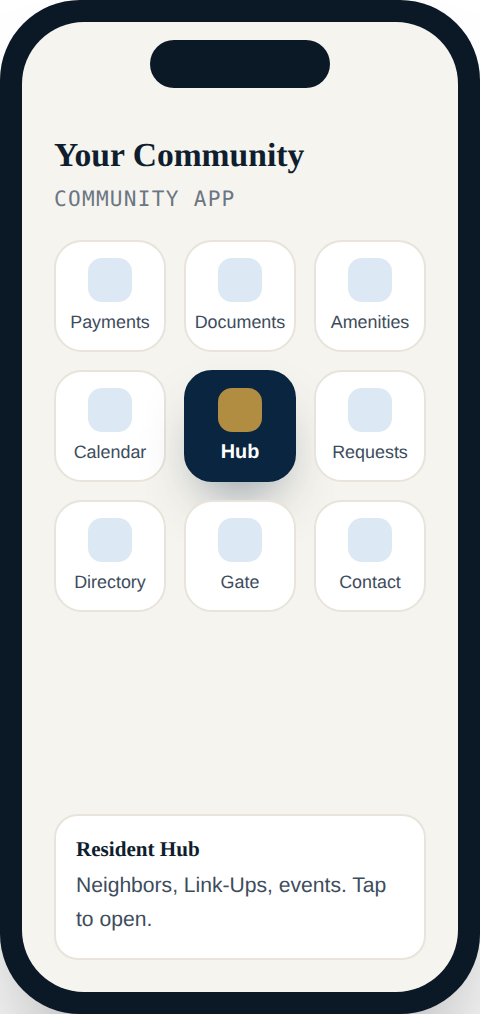
Three ways in
One snippet drops the hub onto a page of your community website, carrying your logo and colors.
Alosant, TownSq, Vantaca, CINC: add PLAY Connect as a tile or link. Residents tap it and land in the hub signed in.
No site, no app? Every community gets its own address from day one, under its own name.
What residents see
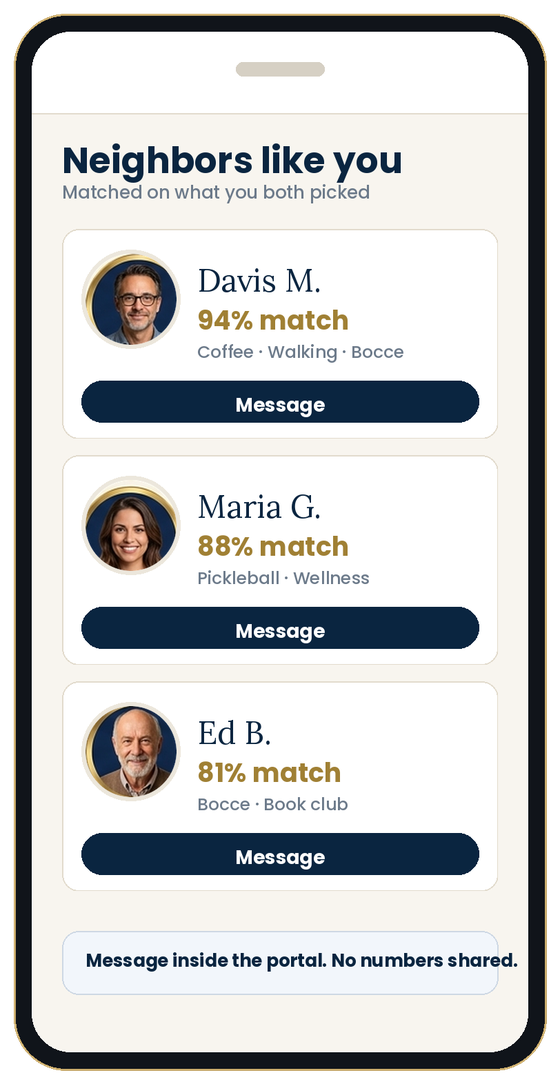 3. In the hubNeighbors, Link-Ups, events. Your name on top.
The whole website integration
Copy it from the Portal tab in your admin, add your website’s address under “Websites allowed to embed it”, and paste the snippet into any page. The hub loads inside your site, under your name, with your colors. Your web vendor can do it in five minutes.
<script async src="https://app.getplayconnect.com/embed.js"
  data-community="your-community"></script>
<div id="play-connect"></div>

// Builder blocks scripts? Use the iframe line from your Portal tab instead.
Platform guides
Add PLAY Connect as a tile in your Alosant community app. Residents tap it and land in the hub signed in.
A tile or quick-link in TownSq takes residents straight into their hub, next to the features they already use.
A link on the Vantaca owner portal. No sync required to start.
The hub lives on the community website as a page of its own, under the community’s name.
A link in the CINC homeowner portal; residents sign in once.
Wix, Squarespace, WordPress, a static site or a vendor-built one. One snippet, one page.
Questions managers ask
They sign in once. From an app tile using the Partner sign-on link they land in the hub already signed in. On a website embed the hub remembers them.
Roster comes in by CSV with column mapping and a preview, up to 5,000 rows. Direct feeds are added per vendor behind the same import; Vertilinc’s web service is live. Automatic sync with Yardi or AppFolio is not offered.
No. The hub is fully white-label. “Powered by PLAY Connect” appears only if you turn it on.
If it can hold a link or an HTML block, it can hold PLAY Connect. Tell us what you run and we’ll send the steps.
Tell us what you run. We’ll show you exactly where the tile goes.